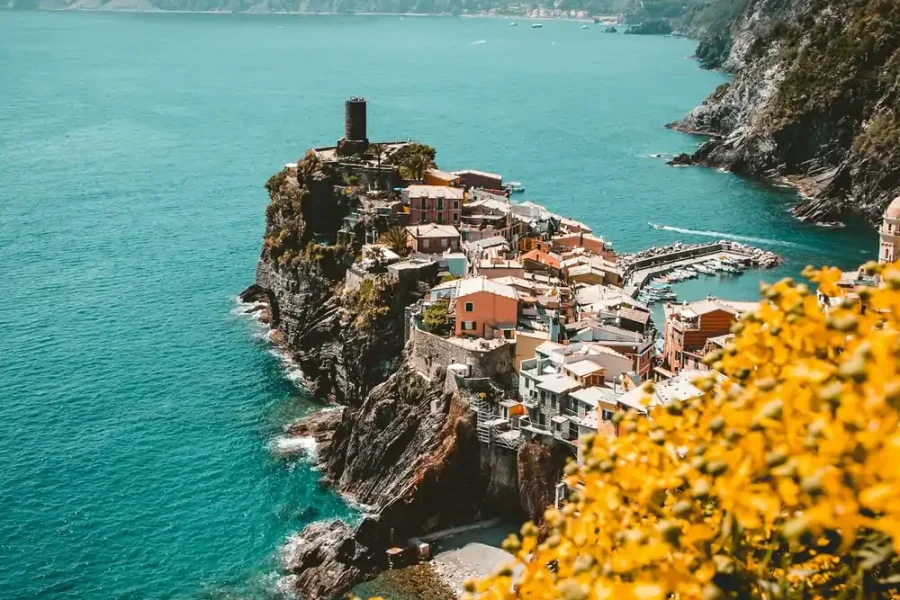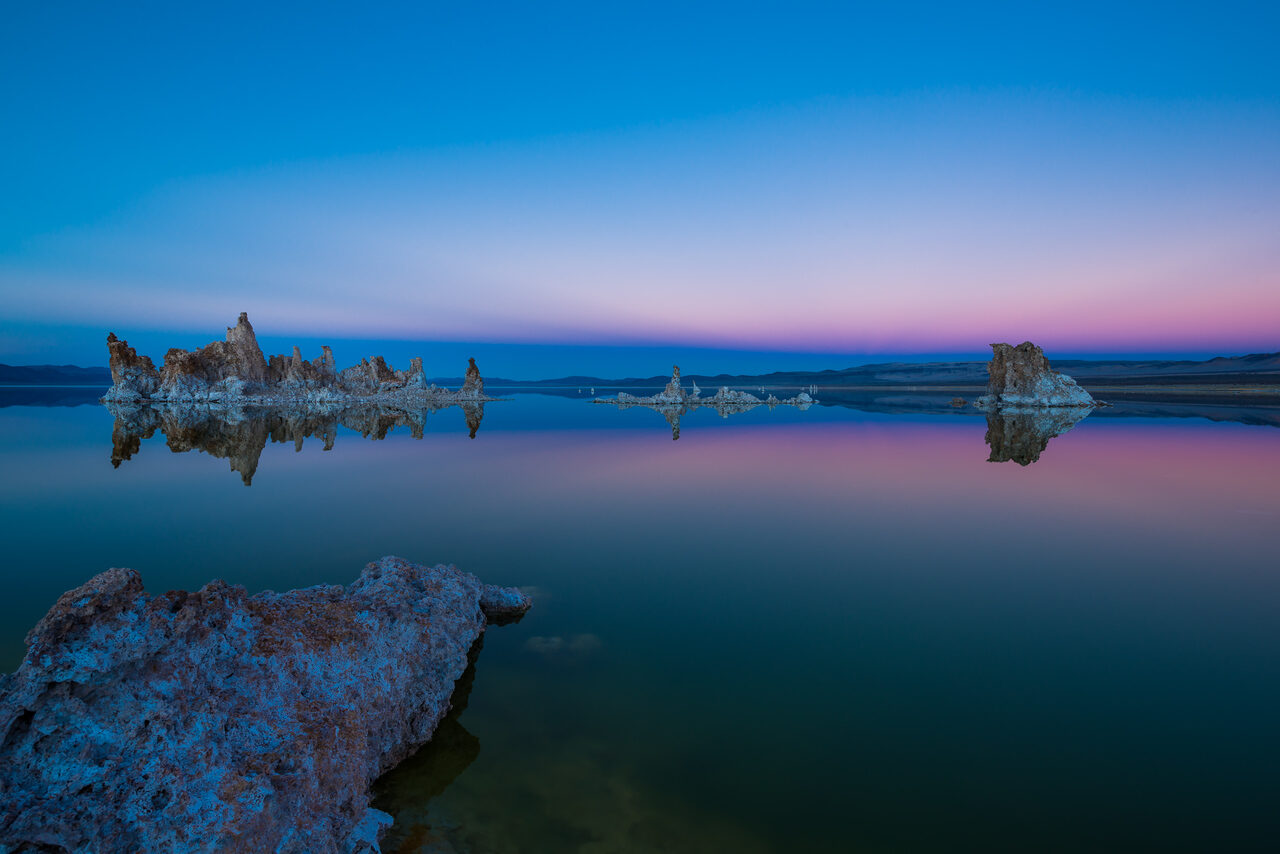
Landscape editing is where presets do their heaviest lifting and their worst damage. A landscape preset has to handle enormous dynamic range, skies that fight the foreground, and greens that turn radioactive the moment saturation is pushed carelessly. This guide covers what separates a useful landscape preset from a demo-image trick, the looks that hold up, and how to adapt a preset to your own files. For the field side, our landscape photography dos and don’ts covers capture habits that make editing easier.
 Save
SaveWhat a Landscape Preset Has to Solve
The core landscape problem is balance: the sky is almost always brighter than the land. A well-built landscape preset recovers highlights and lifts shadows as a starting point, then shapes the curve so midtone contrast survives the recovery. Cheap presets skip this and just crank dehaze and saturation, which looks impressive on the demo image and crunchy on yours.
Color handling matters just as much. Greens and yellows dominate most landscapes, and they sit next to each other on the color wheel, so a preset that shifts one without the other produces forests that look painted. Good landscape presets adjust green hue and saturation in small, deliberate amounts and leave room for you to season to taste.
Looks That Hold Up
Natural punch. Clean contrast, controlled vibrance, honest color. The workhorse look for web galleries and prints, and the hardest to do well because every mistake shows.
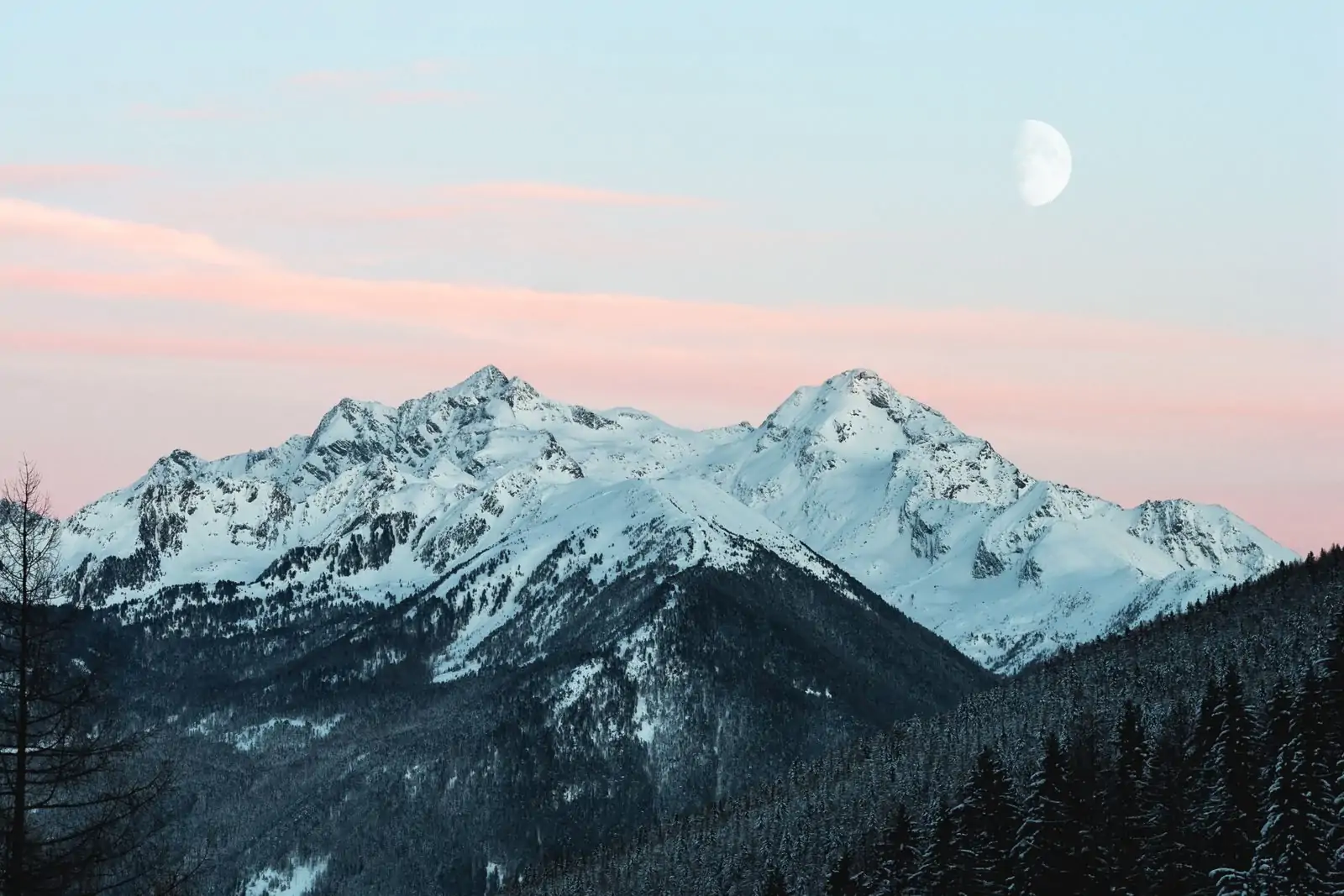
Moody and muted. Lowered luminance in blues and greens, softened highlights, desaturated palette. Fits fog, coastlines, and winter scenes; it fights golden-hour warmth, so match the look to the light.
Golden warmth. Warm white balance, lifted oranges, gentle glow in the highlights. Built for sunrise and sunset files; it turns midday scenes orange, so keep it in its lane.
Want to go further? The ShutYourAperture Academy’s Light. Land. Legacy. The Landscape Photography Course (10 modules, 40+ lessons) is built to help you master light, land and composition for landscapes that last.
Adapting a Preset to Your Files
Every landscape preset needs two adjustments per image before you judge it. First, white balance: presets are tuned to a specific temperature, and a file shot 500K cooler or warmer needs a global shift before the look behaves. Second, exposure: a preset designed around a bright histogram will crush a dark one. Fix those two, then evaluate the color. Lightroom’s masking tools handle the rest: a sky selection and a foreground selection let you keep the preset’s character while rebalancing the frame.
The Landscape, Cityscape and Drone Preset Pack covers 75 looks across natural, moody, and warm families, built for exactly this kind of file. If you want to test before buying, the free starter pack in our Lightroom presets guide works through the same workflow, and the free vs paid comparison shows the difference on real files.
Gear for comparing landscape edits
Keep the untouched landscape files beside your edit trials so you can compare natural, moody and warm looks on the same frames. A Samsung T7 Shield 1TB portable SSD is one option for a working copy. Check capacity, computer ports and cables, then verify copied files open. Keep another backup separate. Storage keeps the comparison material; it does not fix a color cast or recover clipped highlights. Compare the current retailer specifications; no hands-on test, price or stock promise is being made here.
Compare Samsung T7 Shield 1TB on Amazon | Check Samsung T7 Shield 1TB at B&H
Affiliate disclosure: We may earn a commission from qualifying purchases through these gear links at no extra cost to you. As an Amazon Associate, Shut Your Aperture earns from qualifying purchases.